Fueling
Find a fuel station, refuel at the pump, pay at the counter and get fuel when the tank runs low.
Draft copyFind a fuel station
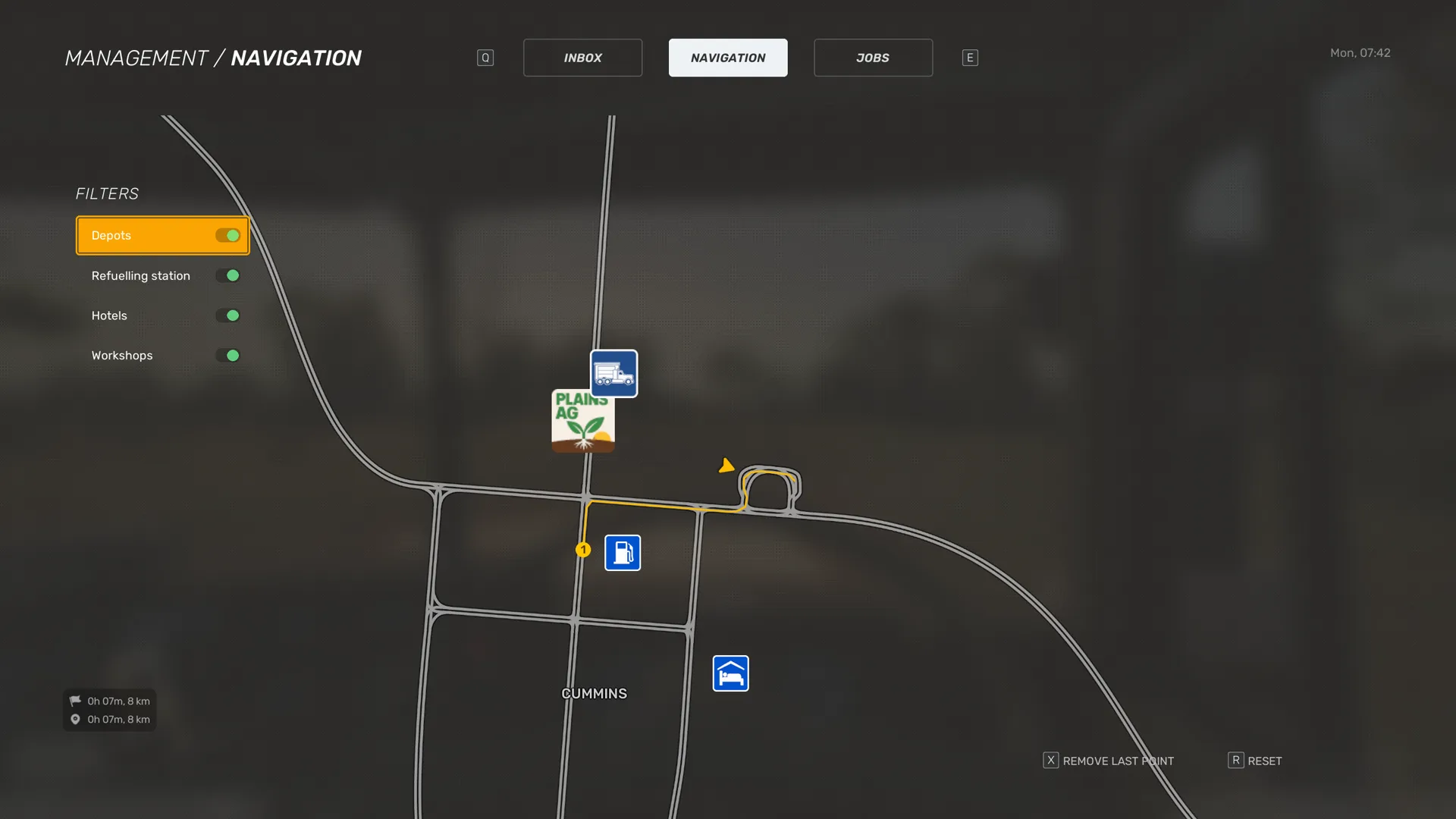
Look for the blue fuel pump marker, Refuelling point, on the map and the minimap. The Refuelling station switch in the map's Filters shows or hides these markers.
In the tutorial, Base warns you that the tank is low and asks you to fill up at the nearest station.
Open Management › Navigation and select the nearest fuel station to set your route.
On PC, left-click beside the station to add a route point.
Follow the route.
At the pump
Park in the marked spot at the pump.
Press Exit Vehicle to get out of the cab.
Exit Vehicle:Keyboard and mouseFXbox controllerYPick up the nozzle at the Take fuel nozzle prompt.
At the fuel tank, use Connect to attach the nozzle.
Back at the pump, hold Interact at the Refuel prompt.
Interact:Keyboard and mouseLeft Mouse Button or EXbox controllerAReturn the nozzle to the pump.
Then pay at the counter.
If the pump shows Truck not parked correctly, move the truck into the marked spot.
You may also see the prompts Disconnect and Remove at the pump.
Default keys from the PC presets
Scroll horizontally to see all columns.
| Action | Keyboard and mouse | Xbox controller |
|---|---|---|
| Exit Vehicle | F | Y |
| Interact | Left Mouse Button or E | A |
Pay for fuel
Walk to the counter and use the Pay prompt.
Result: The game shows Payment successful — fuel paid. A fuel invoice arrives in your Inbox, with the amount charged in its subject.
If you owe nothing, the game shows Nothing to pay.
If you try to leave the station before you pay, the game says Please settle your payment before leaving the station. The game does not say what happens if you leave without paying.
The invoice lists the date, the fuel type, the litres pumped, the price per litre and the total cost. It says the payment came from your company account. It also advertises a fuel card with automatic payments at every station. The game does not describe how to get one yet.
Refuelling Mode
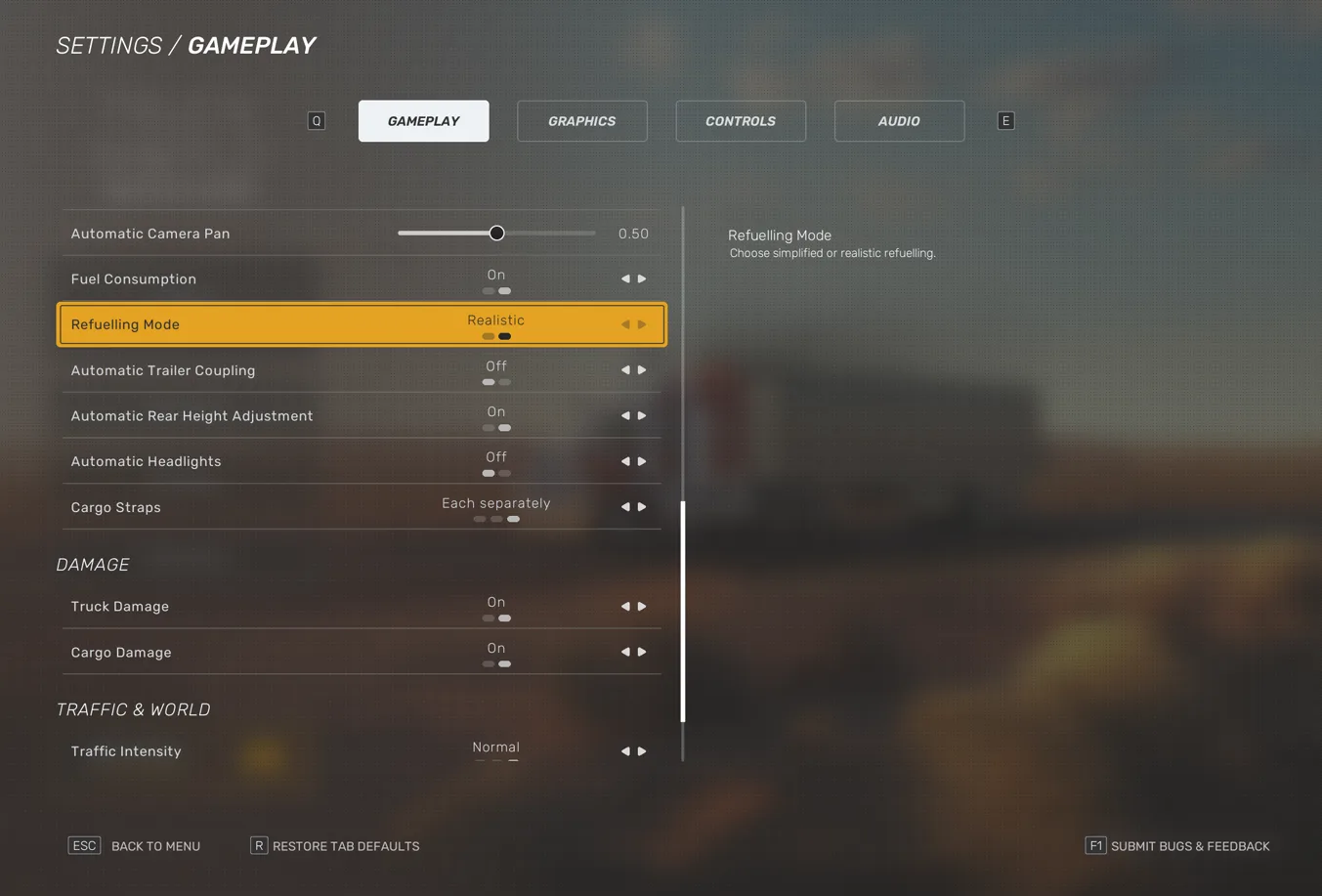
Refuelling Mode in Settings › Gameplay offers Simplified and Realistic. The game does not describe what each value changes yet.
The steps in At the pump are the ones the tutorial shows with Realistic.
Fuel Consumption, in the same tab, turns fuel consumption on or off.
Low fuel
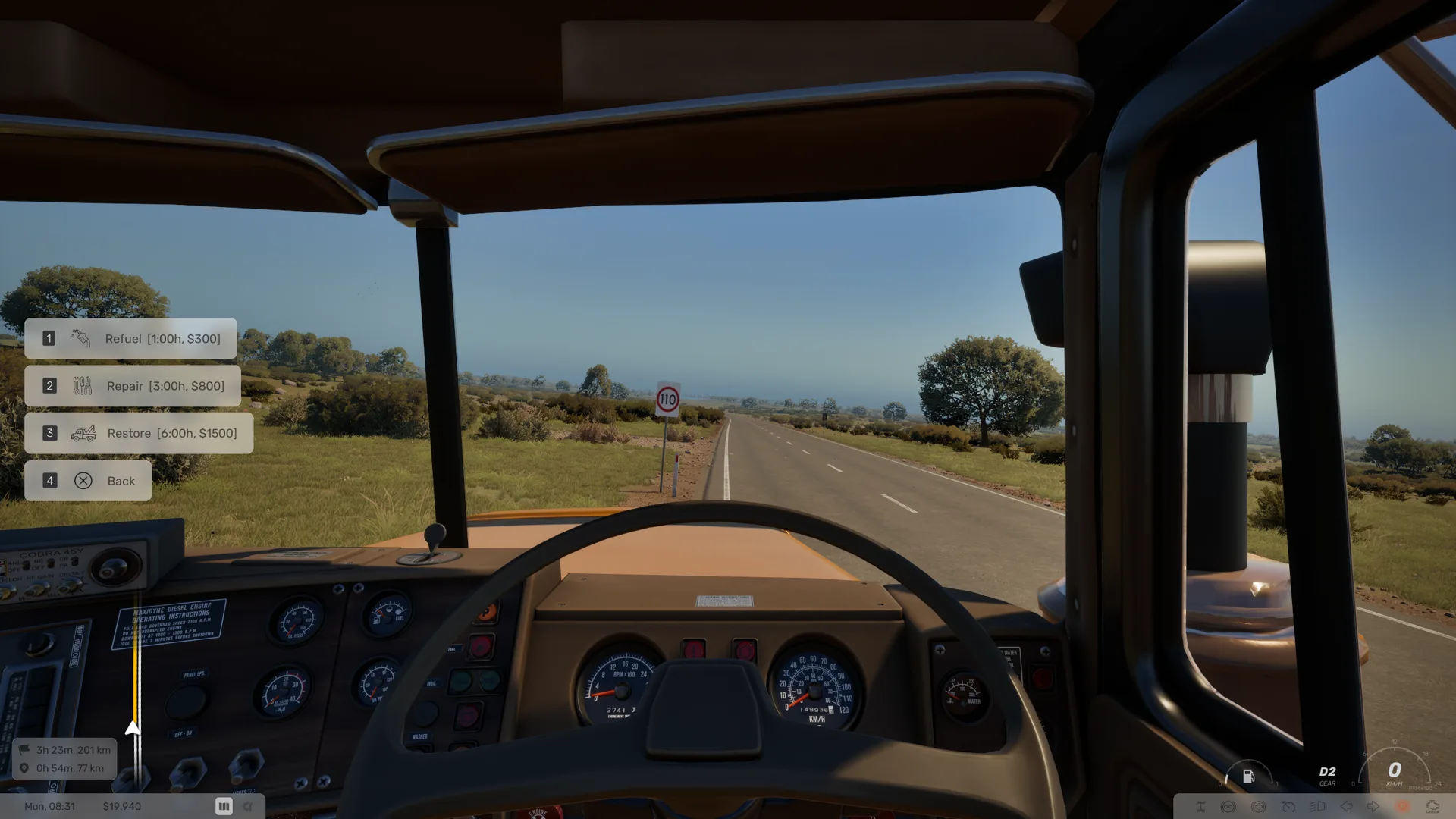
When the tank runs low, the game shows Fuel is low. Stop at a fuel station soon. Another notification says Use the CB radio: Roadside Assistance, then Refuel.
The Refuel option adds up to 30 L of fuel in 1 h for $300.
Stop the truck.
If you are moving, the CB menu shows Stop the truck.
Press CB Radio, choose Roadside assistance, then Refuel.
CB Radio:Keyboard and mouseXXbox controllerD-pad Down
Result: Base sends fuel to where you are.
Default keys from the PC presets
Scroll horizontally to see all columns.
| Action | Keyboard and mouse | Xbox controller |
|---|---|---|
| CB Radio | X | D-pad Down |